
Why accurate stock matters
A customer should be able to see whether a product is available before placing an order. If an item sells out in your shop but remains listed as available online, both you and the customer may spend time resolving an order that cannot be fulfilled.
Keeping your ETAOP catalog current helps your online listings reflect what your store can sell right now. It is a routine task, not a promise that every order will be completed: availability can still change while customers browse.
What you can manage on ETAOP
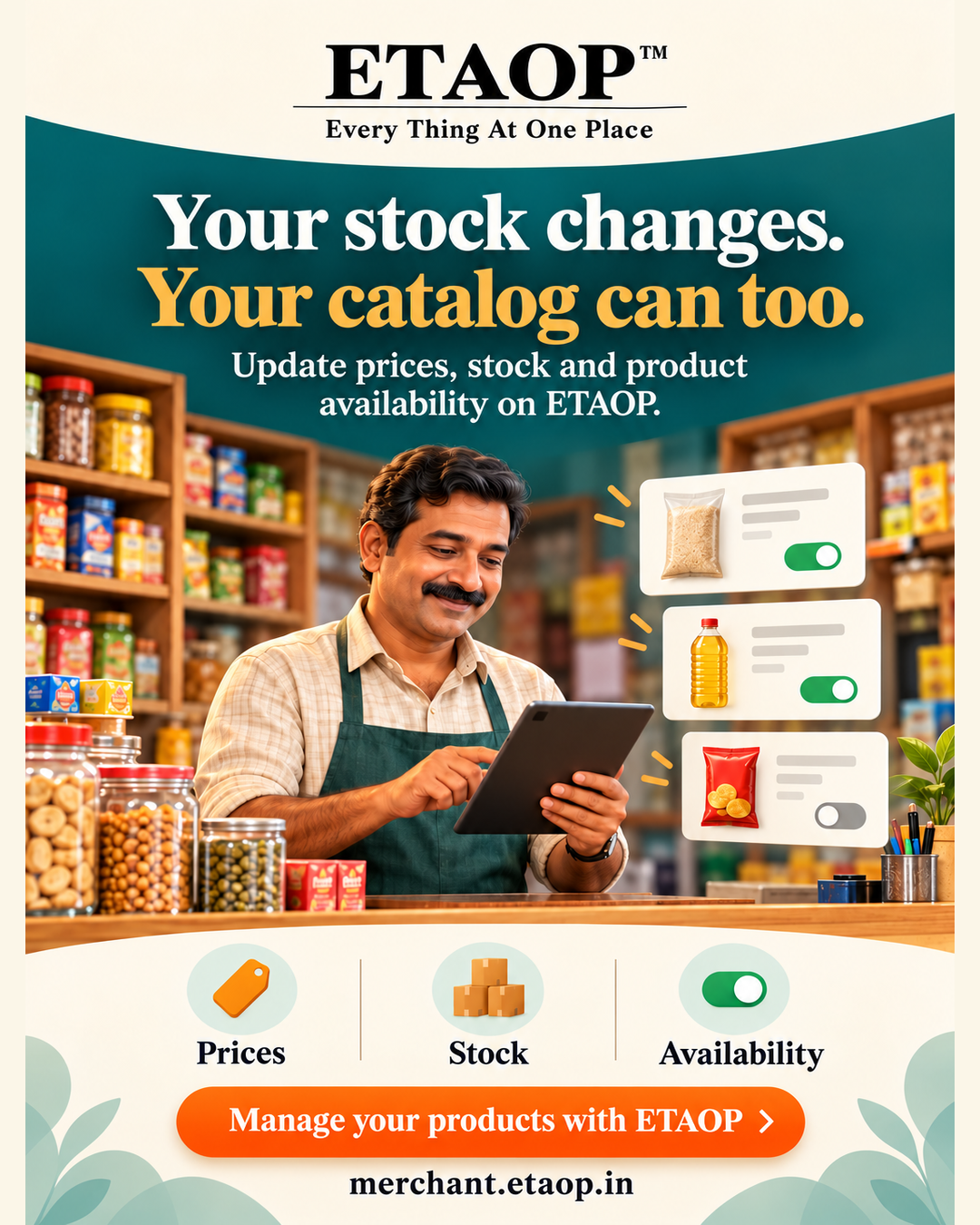
ETAOP merchants can update product prices, stock and availability in their product catalog. The merchant tools also support product photos, variants and customizations, so customers can understand what they are choosing.
- Review quantities after receiving stock or selling the last item.
- Mark an unavailable product accordingly so customers do not expect to order it.
- Check prices and variant details whenever your in-store offer changes.
A simple catalog check for busy merchants
Start with the items that change most often. Open your ETAOP product catalog, compare each listing with what is currently on your shelves or menu, then update the quantity, price or availability that has changed. Review variants individually when they have different stock or prices.
Before a promotion or a busy service period, repeat the check for featured items. If you manage a larger catalog, ETAOP also supports importing products with its workbook or a supported PetPooja export; review imported drafts before submitting them.
Get started on ETAOP
If you are new to ETAOP, create a merchant account and complete your store details before adding products. If you already sell on ETAOP, open your merchant product catalog and review the listings customers can see. Keep the catalog aligned with the products you can actually fulfil.
Frequently asked questions
Can I change a product's stock after adding it?
Yes. ETAOP merchants can update product stock and availability from the merchant workspace.
Can products have different variants?
Yes. ETAOP supports product variants and customizations. Review the details of each variant when its price or stock changes.
Can I import a catalog instead of adding every product manually?
ETAOP supports an ETAOP workbook and a supported PetPooja export for product import. Imported products should be reviewed before submission.
Ready to grow with ETAOP?
Explore the merchant workspace and see whether it fits your local business.
Explore ETAOP Merchant ↗