
Match your settings to what your store can fulfil
A local shop needs a practical plan for the areas it can serve. Before advertising delivery to a neighbourhood, review the products involved and the arrangements your business can actually support.
ETAOP's released merchant feature catalog includes setting a local delivery radius where applicable. This guide explains that verified setting and offers a planning checklist. It does not promise delivery availability for every product, address or store.
What the released source verifies
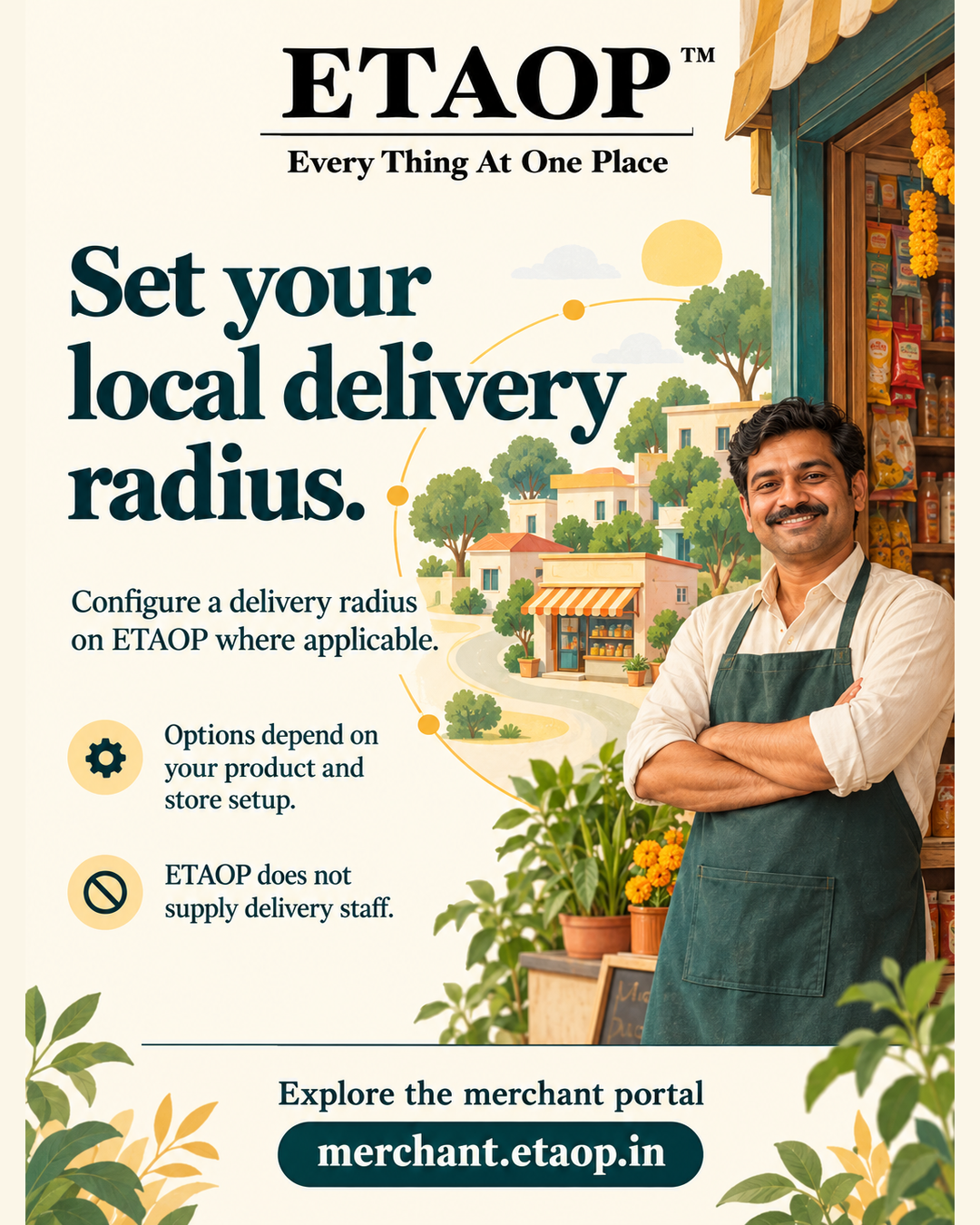
The fulfilment section of ETAOP Merchant Website release v0.1.45 lists the ability to set a local delivery radius where applicable. Its note states that delivery options depend on the product and store setup.
The same source explicitly says that ETAOP does not supply delivery staff. Configuring a radius should therefore not be confused with booking an ETAOP courier or obtaining delivery coverage automatically. Review the options shown for your own setup.
Review your delivery arrangements first
The following checklist is practical merchant guidance, rather than a claim that ETAOP automatically performs these checks for you.
- Confirm that your store location is accurate.
- Review which products your business can deliver and under what arrangements.
- Consider the areas your own fulfilment arrangements can support.
- Check the delivery options available for the relevant product and store setup.
- Describe availability accurately when communicating with customers.
Configure only the options available to your store
Visit https://merchant.etaop.in and review the fulfilment settings available for your store and products. Where the local delivery-radius option is available, configure it to reflect arrangements your business can support.
Review the saved settings and relevant product information before promoting delivery availability. If the option is not shown for a particular setup, do not assume it is available. This guide avoids unverified button names, distance limits or checkout behaviour.
A configured radius is one setting. The verified source does not establish that radius alone determines every customer's eligibility, that all products share the same delivery options or that changing it guarantees more orders.
Review settings when your arrangements change
Revisit your fulfilment setup when your store location, products or delivery arrangements change. Keep the information you share with customers aligned with the options currently supported for your store.
Start by reviewing one relevant product and its available options in the merchant workspace at https://merchant.etaop.in. Use a setup your business can fulfil rather than expanding an advertised area without an operational plan.
Verification source and scope
Checked on 28 October 2026 against ETAOP/etaop-merchant-website release v0.1.45, src/content/merchantFeatures.json, fulfilment capabilities. The verified capability is: Set a local delivery radius where applicable. Source blob SHA: be5d0e633497a0794ce00f6e8694fa41ae9c6119.
No claim is made about a maximum distance, delivery speed, price, ETAOP-supplied couriers, guaranteed serviceability or business growth. Availability depends on the product and store setup.
Frequently asked questions
Can an ETAOP merchant set a local delivery radius?
Yes, where applicable. This capability is listed in the released merchant feature catalog; review the options available for your product and store setup.
Does ETAOP supply delivery staff?
No. The released feature source explicitly states that ETAOP does not supply delivery staff.
Does setting a radius guarantee delivery for every product or address?
No such guarantee is established by the feature source. Delivery options depend on the product and store setup.
Where can I review my store's options?
Visit https://merchant.etaop.in to review the current fulfilment options available in your merchant workspace.
Ready to grow with ETAOP?
Explore the merchant workspace and see whether it fits your local business.
Explore ETAOP Merchant ↗